
How to Avoid Double Bookings When Managing Multiple Short-Stay Units
Learn how to prevent double bookings when reservations come through WhatsApp, Instagram, Facebook, TikTok and direct booking websites.

A double booking is one of the easiest ways to turn a good guest experience into a stressful one.
A guest books your one-bedroom apartment for Friday and Saturday.
You confirm it.
Later that day another guest asks on WhatsApp if the apartment is available for the same weekend.
You check your messages but the booking was saved somewhere else.
You say yes.
Now you have two guests and one apartment.
This is a common problem when short-stay hosts manage reservations manually.
The more units you manage the harder it becomes to rely on memory.
Why double bookings happen
Double bookings usually happen because availability is spread across different places.
You might have:
- A booking in WhatsApp
- Another booking from Instagram
- A Facebook inquiry
- A reservation from your website
- A booking you took over the phone
- A booking written in a notebook
- A calendar on your phone
Each booking may be legitimate.
The problem is that your availability is not being updated in one central place.
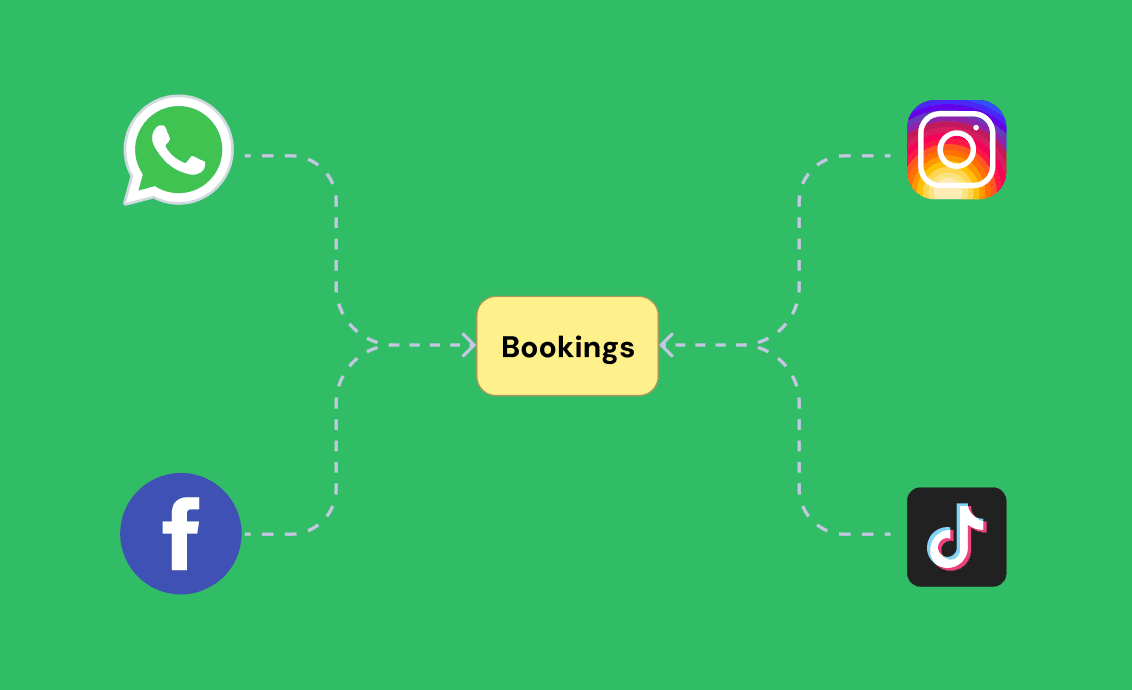
Social media creates a booking management problem
Social media is great for getting inquiries.
The problem is that an Instagram DM does not automatically block a date on your calendar.
Neither does a WhatsApp conversation.
Neither does a phone call.
Once you accept a booking you need to make sure the unit is marked as unavailable everywhere you manage your reservations.
If you forget one booking the next inquiry can become a double booking.
A single booking calendar changes the process
The simplest way to prevent double bookings is to have one source of truth.
Every reservation should end up in the same calendar.
That includes bookings from:
- Your website
- TikTok
- Phone calls
- Walk-ins
- Returning guests
When a booking is confirmed the dates should be blocked immediately.
This means the next guest sees the correct availability.
Manual bookings are important
Some hosts assume a booking system only needs to handle online reservations.
That is not true.
If a guest sends you a WhatsApp message and you agree on the dates you should be able to add that booking manually.
For example:
Guest: Jane Wanjiku
Unit: 1 Bedroom Apartment
Check-in: 12 September
Check-out: 15 September
Status: Confirmed
Once added the unit should show as occupied for those dates.
This is important because your business does not operate through one channel.
Use booking statuses
Not every inquiry is a confirmed booking.
A useful system should distinguish between different stages.
For example:
Pending
The guest has requested the dates but the booking has not been accepted.
Confirmed
The host has accepted the booking.
Cancelled
The booking has been cancelled.
Completed
The guest has checked out and the stay is finished.
This gives you a clearer picture of what is happening with every reservation.
Keep your unit information organised
Double bookings are not only caused by missing dates.
They can also happen because hosts have several similar units.
Imagine you manage:
- Apartment 101
- Apartment 102
- Apartment 103
- Apartment 104
A guest asks for "the two bedroom".
Which one?
If your booking records are unclear you may accidentally assign the same unit twice.
Give every unit a clear name or number.
Then make sure every booking is attached to a specific unit.
Track occupancy
Occupancy tells you how much of your available inventory is being used.
If you have four units and three are occupied on a particular night your occupancy is 75%.
You should be able to see this without manually counting bookings.
An occupancy view can help you answer questions such as:
- How many units are occupied today?
- How many are available this weekend?
- Which units are empty?
- How many guests are checking in tomorrow?
- Which units need cleaning?
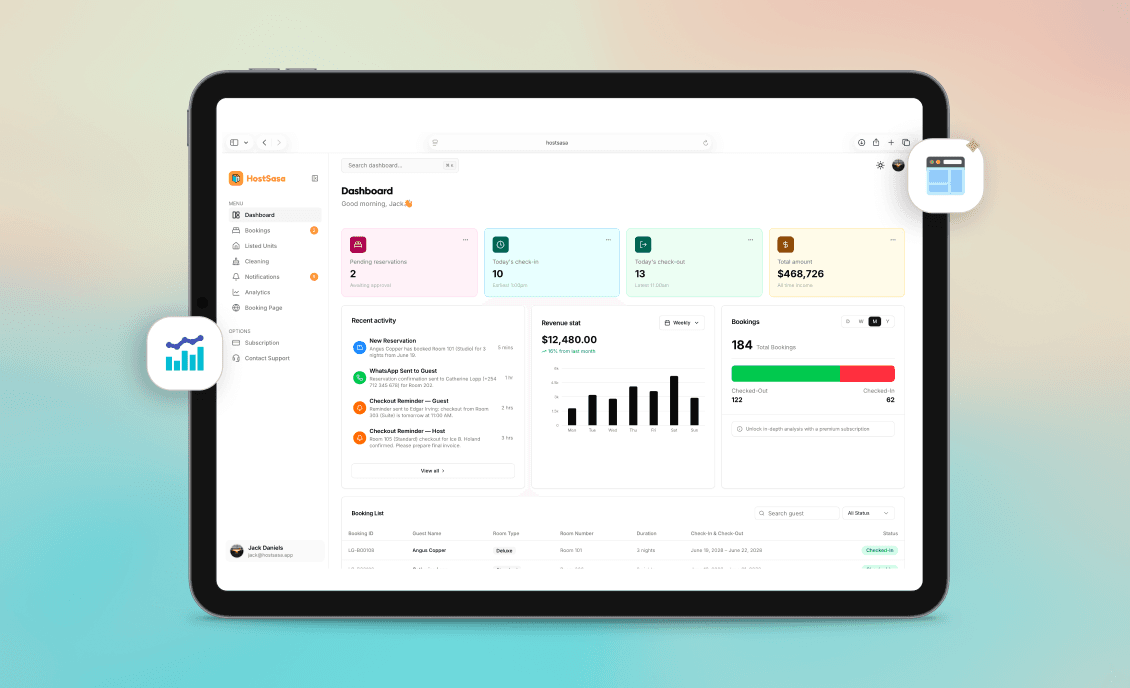
Keep your cleaner schedule connected to bookings
Your booking calendar should also help you manage cleaning.
When a guest checks out the unit becomes available for cleaning.
The cleaner needs to know:
- Which unit needs cleaning
- When the guest checks out
- When the next guest arrives
- When the unit needs to be ready
This is much easier when the booking information is already organised.
What about bookings from your website?
A direct booking website should check your availability before accepting a reservation request.
The host should still have the final say when the workflow requires confirmation.
Once the booking is confirmed the dates should be reflected in your booking calendar.
This creates a clear connection between your public website and your internal booking records.
A simple system for avoiding double bookings
You can follow a simple rule:
Every confirmed booking must exist in one central calendar.
It does not matter where the guest came from.
If they came through Instagram add the booking.
If they came through WhatsApp add the booking.
If they came through your website let the booking flow into your system.
If they called you add the booking.
If a returning guest booked directly add the booking.
Once every confirmed reservation is recorded you have one reliable view of your availability.
What to do when a guest asks for availability
Instead of searching through conversations ask yourself one question:
What does my booking calendar say?
If the unit is available you can proceed.
If it is booked you can offer another unit or another date.
This makes responding to guests much faster.
Avoiding double bookings is about having a process
You do not need a complicated operation.
You need consistency.
Every booking should follow the same basic process:
Inquiry → Booking request → Confirmation → Calendar update → Guest communication → Check-in → Checkout
When every booking follows the same flow it becomes much harder for a reservation to get lost.
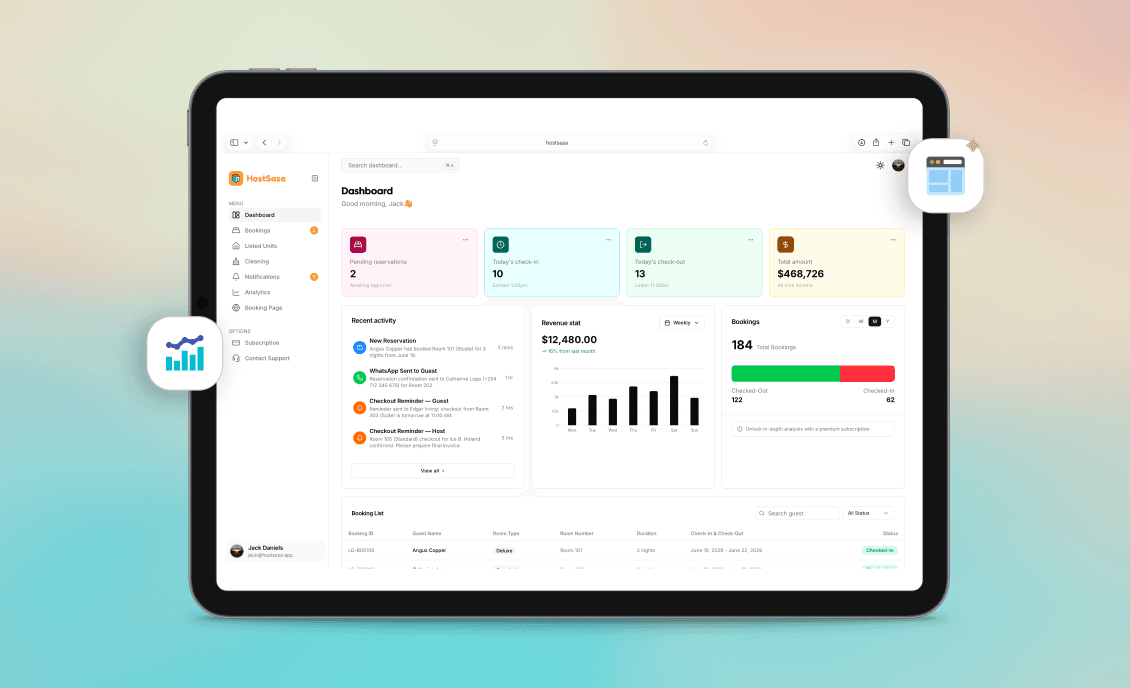
Host Sasa gives hosts one place to manage their reservations
Host Sasa is built for hosts who receive bookings from different channels.
You can receive reservation requests through your booking website and manage them from your dashboard.
You can also manually add bookings that were made through WhatsApp, social media or other channels.
Your units and reservations stay together so you can see what is available and what is already booked.
For hosts managing multiple short-stay units this makes day-to-day booking management much easier.
The goal is simple:
Know what is booked.
Know what is available.
Know who is arriving.
And never have to ask yourself whether you forgot to update the calendar.
More Articles
Managing Airbnb and Short-Stay Bookings From WhatsApp: A Better Way for Kenyan Hosts
Learn how Kenyan Airbnb and short-stay hosts can organise bookings from WhatsApp, Instagram, Facebook and TikTok without losing track of reservations.
August 15, 2026
How to Create a Direct Booking Website for Your Short-Stay Business in Kenya
Learn how a direct booking website can help Kenyan Airbnb and short-stay hosts showcase their units, receive reservations and reduce reliance on social media conversations.
August 25, 2026